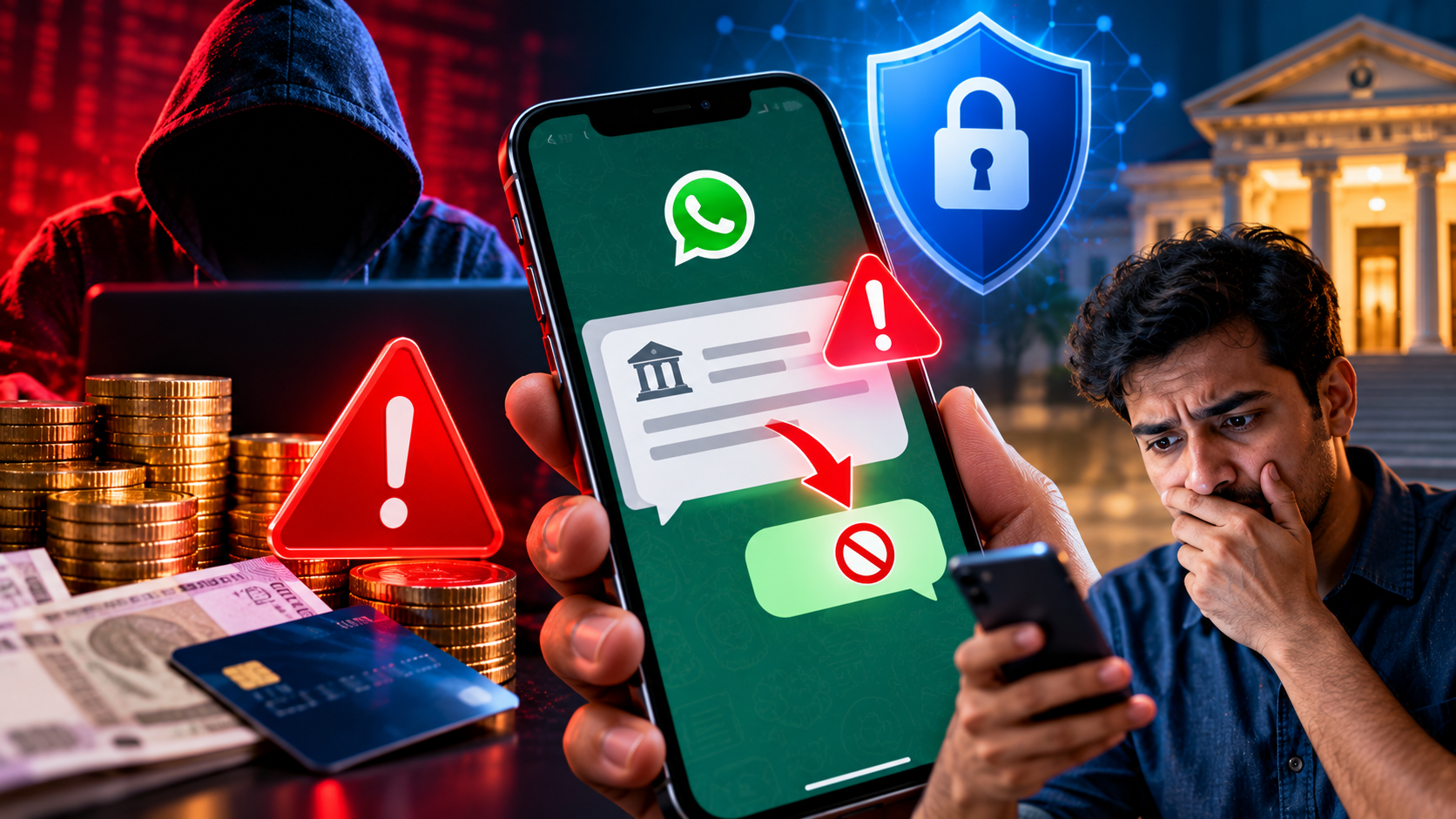
Fake debit alerts can trigger panic and expose users to financial fraud; learn how to verify banking messages, secure your smartphone, report suspicious activity and respond quickly to unauthorised transactions
A suspicious WhatsApp message claiming that money has been debited from a bank account can create immediate anxiety, particularly when it instructs the recipient to reply “NO” if the transaction was not authorised. Cybercriminals frequently exploit this fear to encourage people to respond without verifying the information.
A warning issued by Hyderabad Police Commissioner V C Sajjanar has drawn attention to an alleged scam involving fake banking alerts. According to the reported account, a person lost money after responding to a message, despite not sharing an OTP or clicking on a suspicious link. The precise technical mechanism behind the reported incident has not been independently established.
The important distinction is that replying “NO” to a WhatsApp message does not ordinarily install malware or automatically give a sender access to a bank account. However, a fraudulent message can be the first step in a wider social-engineering attempt, potentially leading to deceptive calls, malicious downloads or requests for confidential banking information.
For Indian consumers, the safest response is to verify the claimed transaction through official banking channels rather than following instructions from an unknown sender. A few basic precautions can significantly reduce the risk of financial loss.
How the WhatsApp ‘Reply NO’ Scam Allegedly Works
The suspected fraud begins with an unexpected message from an unfamiliar number, sometimes using an international country code. The message claims that a payment or debit has taken place and asks the recipient to reply “NO” if they did not authorise it.
The apparent purpose is to create urgency. A recipient who believes that money has disappeared may respond immediately, contact the sender or follow subsequent instructions without checking the account independently.
Fraudsters can then attempt to exploit the conversation by posing as bank representatives, asking for account details, directing victims to fraudulent websites or encouraging them to install applications that compromise device security.
However, the claim that simply replying “NO” automatically activates an “auto-execution file attack” remains unverified. A normal WhatsApp text reply does not ordinarily execute a malicious file. Malware infections generally involve other factors, such as exploiting a software vulnerability, installing an unsafe application, opening malicious content or granting excessive permissions.
The reported incident should therefore serve as a warning about suspicious banking messages, without creating the mistaken impression that every reply to an unknown WhatsApp number will compromise a phone.
5 Ways to Protect Your Money From WhatsApp Banking Scams
1. Verify the Transaction Through Your Official Banking App
If you receive a message claiming that money has been debited, do not assume that the transaction is genuine.
Open your bank's official mobile application or type the bank's verified website address directly into your browser. Check the account balance, transaction history and any available debit notifications.
If the transaction does not appear, avoid following instructions contained in the suspicious message. If you remain uncertain, contact your bank through the customer-care number printed on your card, passbook or official website.
Never use a telephone number or link supplied by an unknown sender to investigate a supposed banking problem.
2. Avoid Replying to Suspicious Messages or Calling Unknown Numbers
Messages that create panic, threaten account suspension or demand an immediate response should be treated cautiously.
A simple reply does not ordinarily grant a sender access to your bank account. Nevertheless, responding can encourage further contact and provide an opportunity for fraudsters to manipulate the conversation.
Avoid engaging with unknown senders who claim that your account has been compromised. Do not call back unfamiliar numbers merely because a message appears to come from a bank.
Use WhatsApp's reporting and blocking features when a message appears fraudulent, and independently verify any genuine banking concern.
3. Never Download Unexpected Files or Unverified Applications
Unexpected attachments and requests to install applications are common warning signs in digital fraud attempts.
Be especially careful if someone asks you to download an application outside an official app store, install an APK file, enable accessibility permissions or grant remote access to your smartphone.
Malicious applications may attempt to access sensitive information, intercept notifications or misuse device permissions. Remote-access tools can also allow a fraudster to observe or control parts of a device, depending on the software and permissions granted.
Keep your operating system, WhatsApp and banking applications updated. Install software only from trusted sources and review the permissions requested by unfamiliar applications.
4. Never Share Your OTP, PIN or Banking Password
A fraudster may follow a fake debit alert with a call claiming to be from the bank's fraud department. The caller may say that the account can be protected only after the customer confirms an OTP, changes a PIN or completes a verification process.
Do not disclose your one-time password, ATM PIN, internet banking password, card security code or other confidential credentials to an unknown caller or sender.
Be wary of requests to share your screen, enable remote-control access or approve an unfamiliar transaction. A person who knows your name, bank or partial account details has not necessarily established that they are a genuine bank representative.
When in doubt, end the conversation and contact your bank independently through its official channels.
5. Block the Sender and Report the Suspicious Message
If a message appears fraudulent, preserve the relevant details before reporting it. Keep screenshots, the sender's number, timestamps and any related transaction information.
Use WhatsApp's built-in reporting and blocking options to flag suspicious accounts. Do not forward unverified messages to friends or family as warnings without checking their accuracy, because doing so can spread misinformation.
If the message contains a suspicious link, do not open it. If you have already clicked a link or installed an application, assess what information or permissions may have been exposed and take steps to secure the device.
Reporting suspicious activity can help platforms and authorities identify patterns and investigate potential fraud.
What to Do if Money Has Already Been Debited
If you discover an unauthorised transaction, act immediately rather than waiting to determine exactly how the fraud occurred.
Call India's cybercrime helpline at 1930. Report the suspected financial fraud as quickly as possible and provide the information requested by the authorities.
File a complaint online. Use the National Cyber Crime Reporting Portal at https://cybercrime.gov.in and retain the complaint acknowledgement details.
Contact your bank immediately. Use its official customer-care channel to report the transaction, request appropriate account-protection measures and seek guidance on disputing the debit.
Secure your accounts and device. If you suspect that your credentials have been exposed, change compromised passwords using a trusted device. If you installed an unfamiliar application or granted remote access, seek technical assistance and remove unsafe software where appropriate.
Preserve evidence. Keep transaction references, bank alerts, screenshots, phone numbers and complaint records. These details may assist the bank and investigating authorities.
Prompt reporting may improve the chances of tracing or freezing funds, but recovery is not guaranteed. Do not pay an unknown person who promises to recover stolen money for an upfront fee.
RBI Rules: Can Customers Recover Money Lost to Digital Fraud?
The Reserve Bank of India has established rules governing customer liability for certain unauthorised electronic banking transactions. Whether a customer is liable for a loss depends on the circumstances, the applicable RBI framework and how promptly the incident is reported.
In general, customer liability may be limited in certain cases involving a bank's deficiency or a third-party breach, subject to the relevant conditions and reporting timelines. A customer's own negligence, including sharing payment credentials, can affect the outcome under the applicable rules.
Customers should report suspected unauthorised transactions to their bank without delay and request a written acknowledgement. They should also ask the bank to explain the applicable dispute-resolution procedure and the requirements for submitting supporting evidence.
The fact that a transaction occurred after a suspicious WhatsApp message does not, by itself, establish how the fraud took place or determine whether compensation is payable. Each case must be assessed on its facts and under the applicable rules.
Warning Signs That a Banking Message May Be Fake
Several indicators can help consumers identify potentially fraudulent messages before taking action:
-
Unexpected debit claims: A message reports a transaction that you do not recognise, particularly when no corresponding entry appears in your banking application.
-
Urgent instructions: The sender demands an immediate reply or threatens account suspension.
-
Unfamiliar contact details: The message comes from an unknown number or directs you to a website unrelated to your bank's official domain.
-
Requests for confidential information: The sender asks for an OTP, PIN, password or card security code.
-
Unexpected downloads: The message instructs you to install an application, open an attachment or grant remote access.
-
Unverified recovery offers: Someone claims they can recover lost money in exchange for an advance payment.
No single indicator proves that a message is fraudulent, but several warning signs together should prompt extra caution and independent verification.
How Families Can Improve Digital Banking Safety
Digital fraud prevention is particularly important for households where multiple family members use smartphones, UPI applications, mobile banking and online shopping services.
Families can reduce their exposure by agreeing on a simple rule: never act on a banking alert until it has been verified independently.
Older family members and first-time digital banking users should be familiar with the official customer-care process, the cybercrime helpline and the procedure for reporting unauthorised transactions. They should also understand that bank employees do not need them to disclose confidential credentials over an unsolicited call.
Keeping phones updated, using screen locks, installing applications only from trusted sources and reviewing transaction alerts can further improve security.
Most importantly, a suspicious message should never be allowed to create enough panic to override normal checks.
Market Outlook: Digital Banking Safety Remains a Consumer Priority
The reported WhatsApp ‘Reply NO’ incident highlights how cybercriminals can exploit fear surrounding personal finances. Although the specific claim that replying to a message automatically activates malware remains unverified, fake banking alerts, phishing attempts and social-engineering tactics are genuine risks.
For consumers, the most effective protection is a combination of independent transaction verification, strong credential security, cautious application use and immediate reporting when fraud is suspected.
The key lesson is straightforward: do not click an unfamiliar link, download an unexpected file or share confidential banking details because a message claims that your money is at risk. Check your account through the official banking application and contact the bank directly if anything appears wrong.
If an unauthorised transaction occurs, report it immediately to your bank and India's cybercrime helpline at 1930, and file a complaint through the National Cyber Crime Reporting Portal.